Apparel CAD Pilot Checklist
A product-neutral, fillable checklist for testing pattern CAD, grading, 3D, markers, and supplier file exchange on one representative style.
Current first-party apparel CAD documentation reviewed for DXF and grading exchange, units, print output, import and export behavior, and representative round-trip testing; no universal interoperability claim is made.
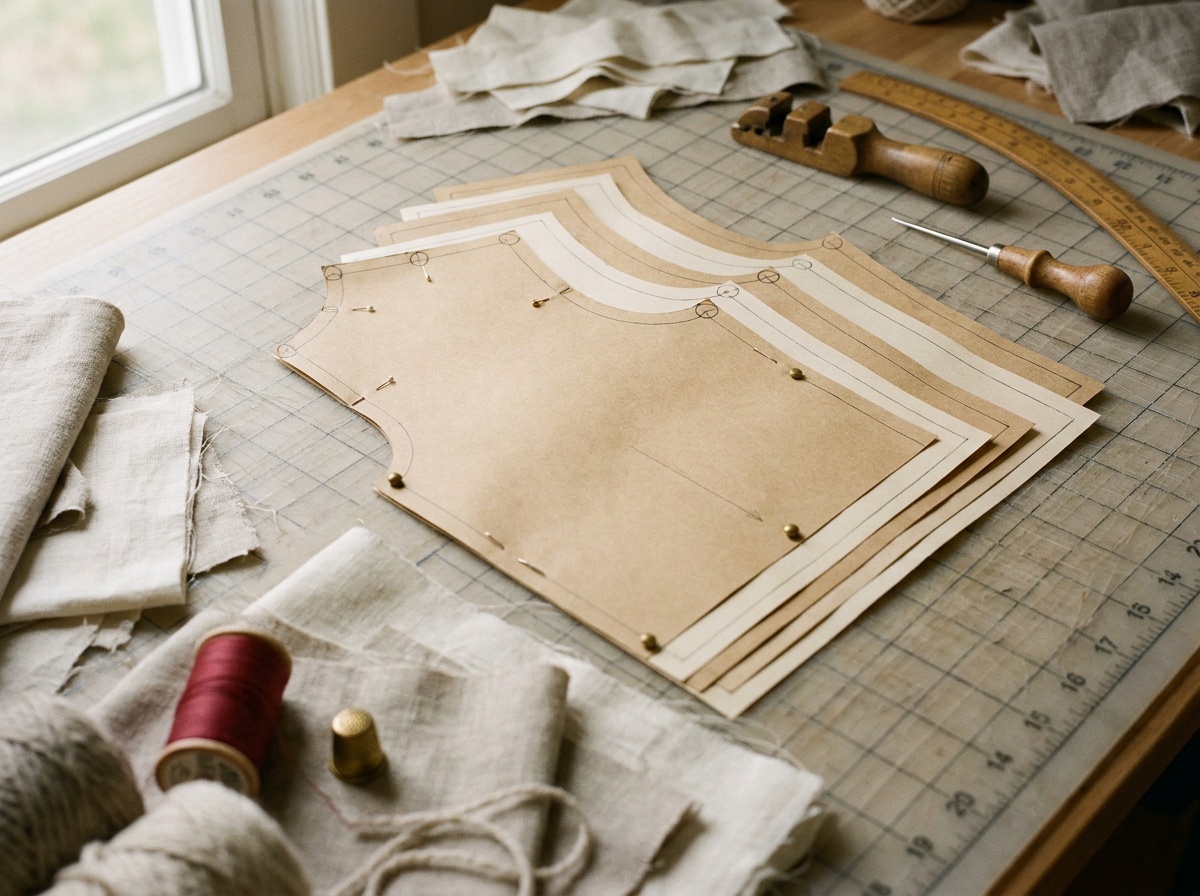
Do not select apparel CAD from a feature matrix alone. Run one representative style from the actual source file through import, measurement, editing, grading, optional 3D work, export, vendor reopen, plot or cut output, and revision recovery. Record expected values before the trial, identify which details may be transformed, and make the receiving pattern maker or factory verify the exported result in its own system. The checklist below turns that round trip into a pass-or-fail pilot.
The pilot is a file handoff, not a software demo
“Supports DXF” does not mean two systems will interpret every pattern element the same way. Units, size names, grade rules, seam allowances, notches, internal lines, piece quantities, curves, annotations, and companion files can change or disappear if import settings or versions differ.
Official product documentation makes the risk visible. Browzwear's DXF import tutorial tells users to verify units, size multiplier, piece display, and measurements in preview. CLO's support materials explain that grading can depend on a companion RUL file with the same name and folder location as the DXF. Optitex publishes support material for standard CAD exchange and separately offers converters. These are normal workflow details, but they show why a format name is only the beginning of an interoperability test.
Choose a style that can expose failure
The pilot style should be small enough to finish but complex enough to represent the real work. Include multiple pattern pieces, at least one curved seam, a notch or drill point, internal construction lines, seam allowance, annotations, more than one size, a grade rule, and any element the business cannot afford to lose. If markers, artwork, pleats, darts, stripe matching, or 3D material behavior matter in production, the pilot needs them too.
Write the pass criteria and expected measurements before anyone opens the new software. A pilot that changes its definition of success after seeing the output is a demonstration, not a test.
Apparel CAD pilot record
Run one real style end to end. Keep the source, exported files, screenshots, measurements, exceptions, and receiving-party sign-off together.
Nothing entered here is saved or sent.
Decision and owners
Name the business decision, participants, and non-negotiable downstream use.
Representative style
Use a production-like style, not the vendor's clean sample file.
Source package
Freeze the input so every result can be reproduced.
Import fidelity
Preview, count, and measure before editing anything.
Editing and measurement
Test the work people actually perform after import.
Grading
Check the rule data and the resulting geometry. A smooth nest can still miss target measurements.
3D and material work
Complete only when 3D output is part of the buying decision. Simulation does not replace physical validation.
Export and receiver reopen
The receiving party performs this check in its own environment.
Plot, marker, or cut output
Use the real output device or service when this step matters to production.
Operational fit and decision
A technically capable tool can still fail the team on hardware, support, cost, or ownership.
What counts as a pass
A pass means the designated people can complete the intended work and the receiving party can use the result without an undisclosed loss. It does not require every format to be perfect. It does require every transformation to be known, repeatable, assigned to someone, and cheap enough to live with.
Reject or retest when a critical element disappears silently, a receiver cannot reproduce the expected scale or grade, a workaround depends on one person's memory, archived work becomes inaccessible without the subscription, or the team cannot state which file is authoritative after a revision.
This checklist does not rank CAD products and does not validate garment fit, grade-rule strategy, cybersecurity, or legal terms. Software output depends on source data, settings, versions, operator skill, hardware, and the receiving system. Physical samples and qualified pattern or technical review remain necessary where fit, safety, or production risk warrants them.
Sources and decision boundaries
The exchange controls are supported by current first-party documentation from Browzwear on DXF import, Browzwear on true-dimension print output, CLO on DXF/RUL grading import, Optitex on 2D/3D CAD and exchange workflows, and TUKAcad on patternmaking, grading, markers, and data import/export. These vendors document their own systems. Their claims do not prove performance in another company's workflow, which is why the template requires a representative round trip and receiver sign-off.